How privacy works

Privacy & Previews

You set two circles of visibility on Trustead — for all your listings at once, or for each one on its own.

Complete control · 01

Complete privacy control

Trustead gives you complete control over exactly what you show and to whom.

  • Previews for listings, trips, and profile
  • Customizable for all or per listing or trip.
Your circles · 02

Setting your circles

Set two circles of visibility — for all listings, or for each one

Preview
who sees a sneak peek, and can send an intro message
Full listing
who sees everything, can DM, can request to book
Your preview · 03

Customize your preview

Complete control over what your preview shows.

  • Turn on or off any piece of info
  • Select the exact photos, or show none
  • A preview description of its own — Write a shorter version for the preview and keep the full one for the circle that sees everything.
Your profile · 04

Profile Privacy

It works just like a listing, except it’s your profile — one setting decides who can open it.

  • Everyone else gets the limited view — name, photo, how you connect — and only what you switch on.
  • Trip Requests too — this setting controls them as well, unless you set a different one per trip.
One-way vouches · 05

A vouch toward you opens nothing

Anyone can vouch for you, any time — it’s a good thing. Access follows the vouches YOU make.

  • Unreturned, it counts for nothing — only the vouches you make count in the math and extend your reach.
  • What the orange arrow means — The connection degree you have if the vouch is returned.
But what if… · 06

Privacy concerns

The three worries everyone has, answered by the same two circles.

  • A coworker is browsing — They see whatever their ring allows: everything, the preview you designed — or nothing at all.
  • Someone passes your listing around — Outside the preview circle the link simply isn’t available to them — a kind screen that names nothing behind it.
  • One specific person — Block them — you disappear from each other everywhere, and they’re never told.
What never shows · 07

What never shows, to anyone

Some things no setting can expose — the platform’s own floor.

  • Your exact address — Maps draw a wide approximate area — no exact pin, ever. You share the real address yourself, directly, once a stay is agreed.
  • Your contact details — Email and phone are never shown to other members.
  • Your profile, to the open internet — Profiles are never visible signed-out — no setting can make them.
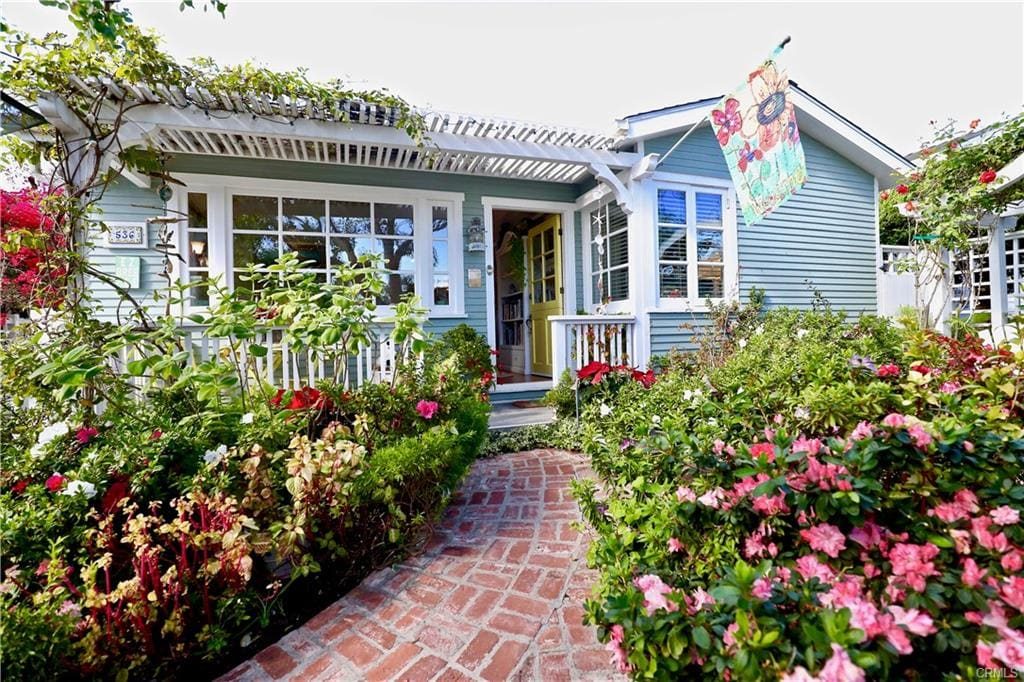
The flower-lined entry of a real Trustead home — a beach cottage in Laguna

Become a founding member and get free membership for life.

Just create a listing or post a trip wish.

Apply now